Speaking Practice App With Pronunciation Feedback
What a speaking-focused language app should include if pronunciation feedback matters.
Share this visual
Share the page URL so the visual earns links, saves, and citations.
Embed snippet links back to the canonical visual page.
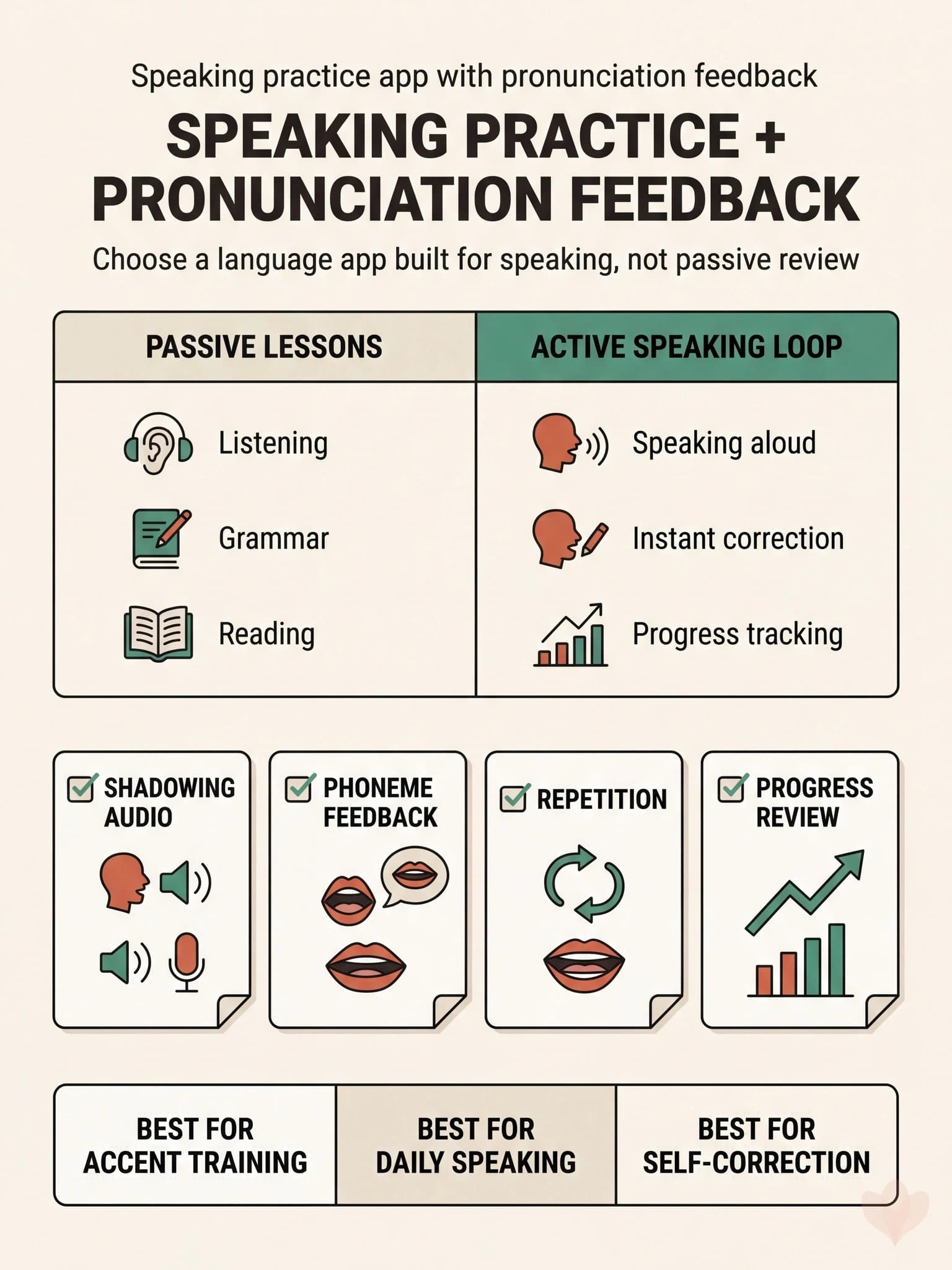
If you are comparing a language learning app pronunciation feedback workflow against a standard lesson app, the useful distinction is simple: are you mostly reviewing content, or are you actually speaking and getting corrected? This visual is built for that decision.
What an active speaking loop includes
- shadowing audio
- speak-out-loud reps
- pronunciation or phoneme feedback
- progress review over repeated attempts
What passive lesson apps usually emphasize
- reading and tapping
- grammar explanation
- receptive exposure without enough spoken reps
Why this matters
Speaking improves faster when the app closes the gap between attempt and correction. If you hear a line, say it, get feedback, and try again immediately, you are training a speaking behavior. If you mostly consume lessons, you may learn about French without getting much better at producing it.
Use this card when evaluating apps
- Check whether the app asks you to speak every session.
- Check whether feedback is specific enough to repair a sound.
- Check whether you can repeat the same line several times.
Why this works
Feedback-rich practice is more useful for production than one-way review because it gives you a tight correction loop. That matches the deliberate-practice logic behind pronunciation training and daily speaking drills.
Where to go next
Compare this with French shadowing practice loop if shadowing is your main method. For broader app comparisons, read Best French pronunciation apps 2026 and Best apps to practice speaking French.
Practice Inside Spokira
Use Spokira if you want shadowing, repetition, and pronunciation feedback in the same loop.